
Every smart home conversation begins with devices — the thermostat, the cameras, the speakers, the shading. But the conversation that matters most is the one about the network that connects them. A smart home is only as intelligent, responsive, and reliable as the infrastructure beneath it. At MK Iconic Solutions, the network is the first system we design and the last we compromise on — because everything else depends on it.
Why Is Network Infrastructure Critical for Smart Homes?
In a professionally designed smart home, the network is not an afterthought — it is a core building service, as fundamental as electrical wiring or plumbing. Enterprise-grade wireless access points, managed switches, and dedicated VLANs ensure that your automation traffic, your streaming media, your security cameras, and your personal devices all operate on isolated, optimised pathways without competing for bandwidth or creating security vulnerabilities.
A typical premium smart home generates substantial network traffic. A 4K security camera system with eight cameras produces 40-80 Mbps of continuous data. A Dolby Atmos music streaming session requires consistent low-latency bandwidth. Control4 automation commands demand sub-50ms round-trip times to feel instantaneous. Personal devices — phones, laptops, tablets — add unpredictable bursts of high-bandwidth activity. Without proper network architecture, these competing demands create congestion, dropped connections, and the frustrating delays that undermine confidence in the entire smart home experience.
Structured Cabling: The Permanent Infrastructure
Every MK Iconic installation begins with a structured cabling design. Cat6A Ethernet cable — capable of supporting 10 Gigabit speeds over 100-metre runs — is installed to every room, every access point location, every equipment rack, and every fixed device location. This cabling is the permanent backbone of the property's technology infrastructure, and it will support whatever devices and protocols emerge over the coming decades.
We specify Cat6A over Cat6 for a simple reason: the shielded construction of Cat6A provides significantly better noise immunity in residential environments where cables inevitably run alongside mains power, lighting circuits, and motorised shading cables. The additional cost per metre is marginal, but the improvement in reliability — particularly for long runs and high-bandwidth applications — is substantial. This is infrastructure that will be in the walls for the life of the building, and specifying it to the highest standard is one of the most cost-effective decisions a homeowner can make.
Why Do Smart Homes Need Enterprise-Grade WiFi?
Consumer-grade routers are designed for a household of five to ten smartphones and laptops. A modern smart home may have 80 to 200 connected devices — and the number grows with every installation. Professional wireless infrastructure uses commercial access points from manufacturers like Ruckus and RIVI, with band steering, client isolation, and seamless roaming to ensure every device maintains a stable, low-latency connection throughout the property.
We deploy access points strategically throughout the property based on a detailed RF site survey that accounts for wall materials, floor construction, and interference sources. A typical four-bedroom home requires three to five access points to achieve consistent coverage. Larger properties may require eight to twelve. Each access point is powered via Power over Ethernet (PoE), drawing its power from the network switch rather than requiring a local mains socket — simplifying installation and ensuring clean, centralised power management.
Network Segmentation: VLANs and Security
With dozens of connected devices, network security becomes critical. Professional installations implement VLAN segmentation — creating isolated virtual networks for different device categories. IoT devices (thermostats, sensors, smart plugs) operate on one VLAN. Security cameras on another. Automation controllers on a third. Personal devices on a fourth. Guest devices on a fifth, with no access to any internal network resources.
This segmentation serves two purposes. First, it contains potential security breaches — if a vulnerable IoT device is compromised, the attacker cannot traverse to your personal devices, cameras, or automation system. Second, it optimises performance — bandwidth-intensive devices like cameras cannot starve automation commands of the low-latency connectivity they require. Managed switches with quality-of-service (QoS) rules prioritise automation traffic above all else, ensuring that a "Goodnight" command executes instantly even while four cameras are recording at 4K and three family members are streaming video.
Control4 as the Orchestrator
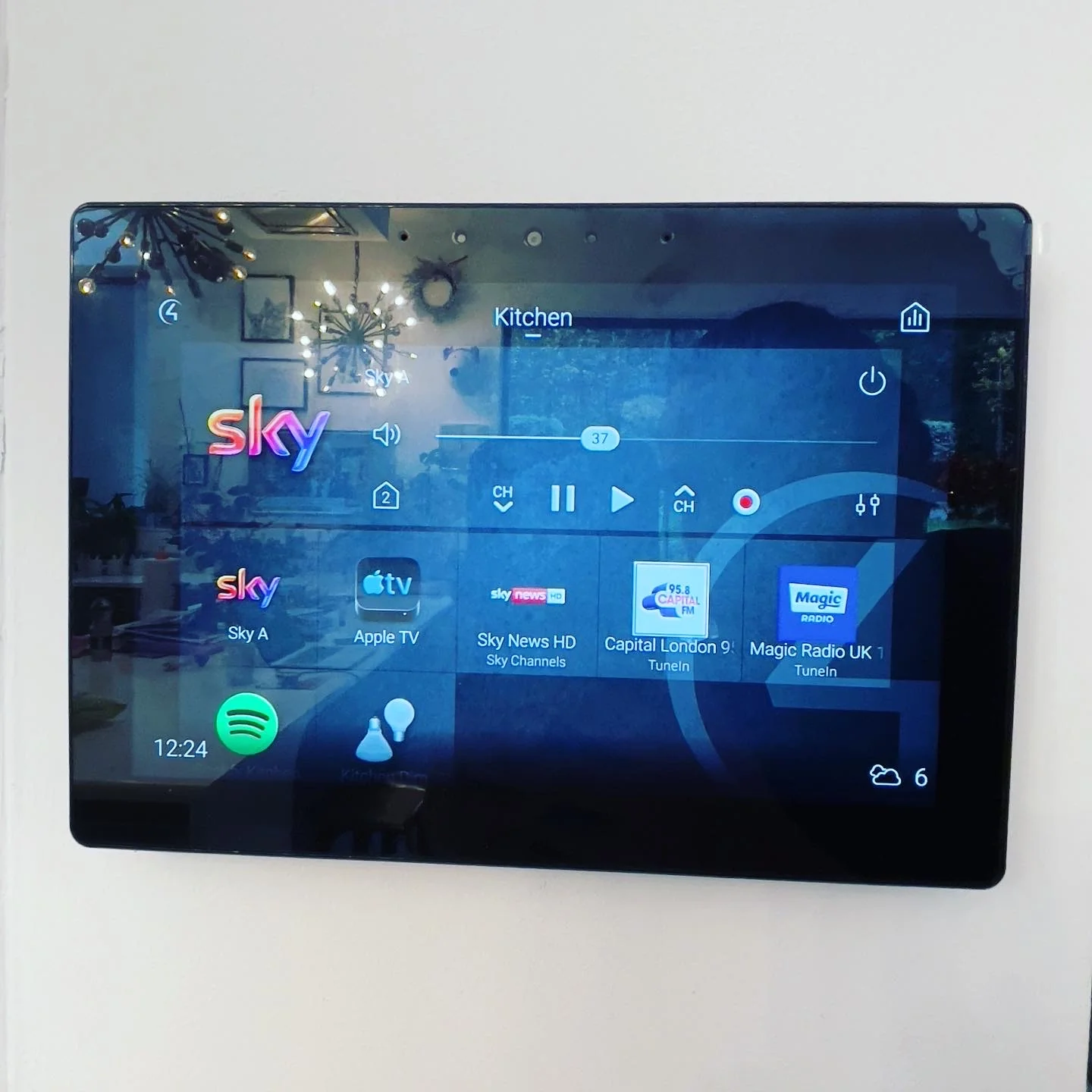
Control4 sits at the centre of the intelligent home, communicating with every connected device through a unified protocol stack. It speaks to Lutron's lighting via the Lutron Integration Protocol, to your audio-visual equipment via IP and RS-232 serial control, to your security system via dedicated APIs, and to KNX climate systems via IP gateways. The result is a single interface that governs everything — reliably, instantly, and without the integration conflicts that plague systems cobbled together from multiple consumer platforms.
The Control4 processor handles all automation logic locally, with no cloud dependency for core functions. When you press "Goodnight," the command is processed on-site within milliseconds. The processor communicates directly with local devices over the wired and wireless infrastructure you have invested in. Cloud services enhance the experience — enabling remote access, voice assistant integration, and software updates — but they are never the critical path for daily operation.
Remote Management and Monitoring
Every network we deploy includes remote management capability. We can monitor device connectivity, bandwidth utilisation, interference levels, and switch port status from our office — often identifying and resolving potential issues before the homeowner is aware of them. Firmware updates for access points, switches, and security appliances are managed centrally, ensuring your network infrastructure remains current and protected against newly discovered vulnerabilities.
This proactive approach to network management is one of the most valuable aspects of working with a professional integrator. Consumer networking equipment receives firmware updates sporadically and often stops receiving updates entirely after two to three years. Enterprise equipment receives regular, tested updates throughout its supported lifecycle — typically seven to ten years — and our remote management platform allows us to deploy these updates across our client base efficiently and safely.
How Do You Future-Proof Smart Home Networking?
A well-designed network accommodates future devices and protocols without reconfiguration. WiFi 6E and WiFi 7 access points are backwards-compatible with all existing devices. 10-Gigabit switches can be deployed when bandwidth demands increase. New VLANs can be created in minutes as new device categories emerge. The structured cabling infrastructure supports any current or foreseeable future protocol. This is the difference between a smart home that ages gracefully and one that requires wholesale replacement every few years.
Frequently Asked Questions
Why can't I just use a mesh WiFi system? Consumer mesh systems like Google Nest WiFi or Eero are designed for homes with 10-20 devices. A professional smart home may have 80-200 connected endpoints, each requiring consistent low-latency connectivity. Mesh systems lack the VLAN segmentation, quality-of-service prioritisation, and client isolation that professional networks provide. They also share bandwidth across hops, degrading performance as device counts increase. Enterprise access points connected via Cat6A cabling deliver dedicated backhaul bandwidth and industrial-grade reliability.
How many network drops do I need per room? We typically specify two to four Cat6A data points per room — one for an access point (in selected rooms), one for the TV or entertainment position, and additional drops for fixed devices like touch screens, intercom panels, or CCTV cameras. Hallways, utility areas, and equipment locations receive drops as needed. Over-specifying at the cabling stage is far more cost-effective than adding drops after construction is complete.
Can you improve my existing network without rewiring? In many cases, yes. Replacing consumer routers with enterprise-grade access points, adding a managed switch with proper VLAN configuration, and optimising wireless channel assignments can dramatically improve network performance without new cabling. We assess the existing infrastructure and recommend the most cost-effective improvement path for each property.